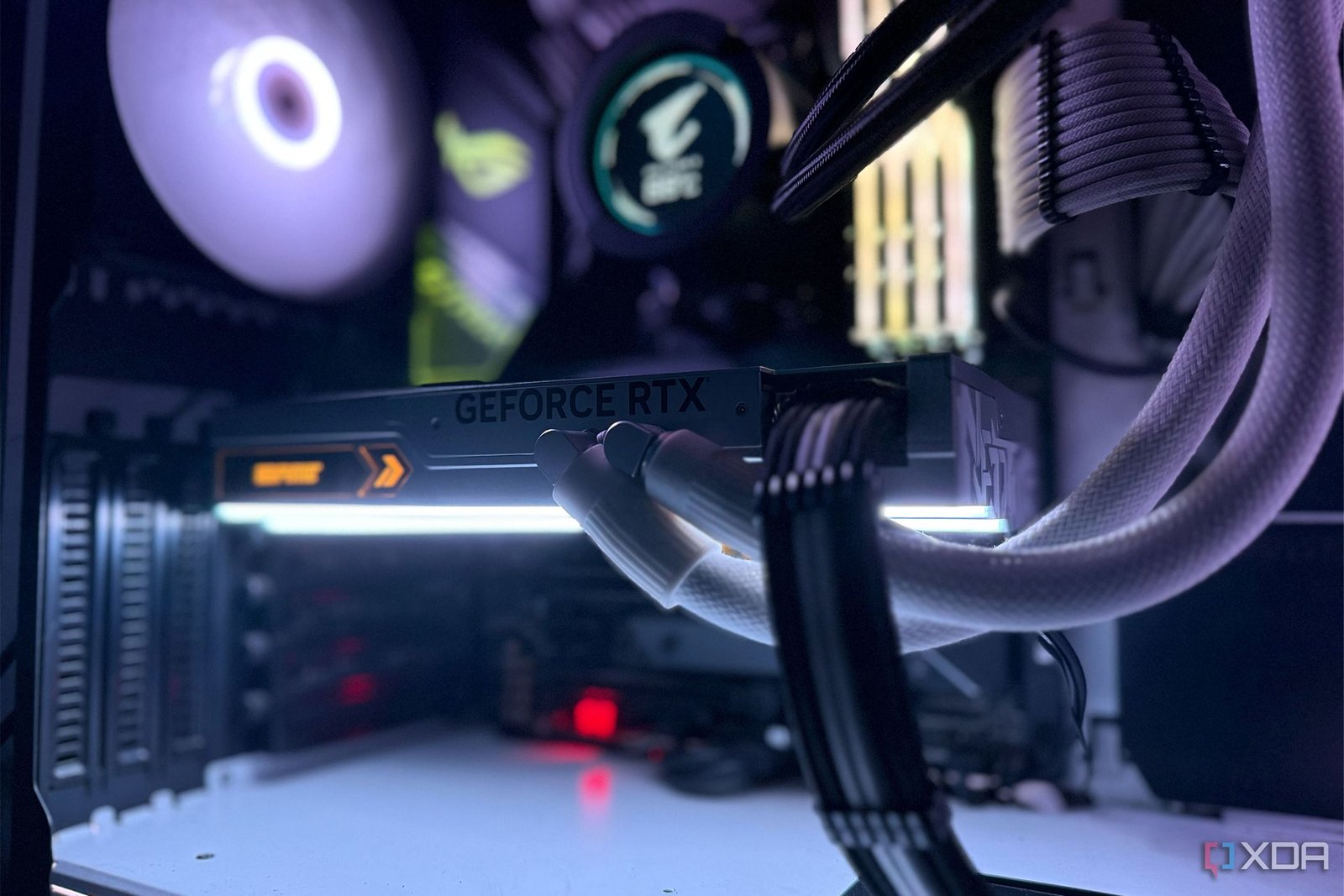
I first built my current gaming PC with a Ryzen 9 5900X and an RTX 3090 in 2020, but when Nvidia launched the RTX 4090 in 2022, its performance improvements over the RTX 3090 were too tempting for me to resist. I immediately splurged on a liquid-cooled RTX 4090 at launch, hoping my 12-core CPU would be able to keep up. After all, this was one of the best CPUs on the market when it first came out. But it didn’t take long for me to realize that was a big mistake.
On paper—and according to various benchmarks—the RTX 4090 seemed like an absolute beast, promising a 60-70% performance uplift in gaming. But in reality, my PC wasn’t delivering the performance jump I had expected. In some games, the frame rates barely improved, making me question the $2,000 upgrade. It wasn’t the GPU’s fault, though. The real culprit was my CPU holding it back. So, learn from my experience and think twice before pairing a flagship GPU with an older processor.

Related
5 subtle signs that your CPU is holding back your entire system
Watch out for these signs to spot a CPU bottleneck
3
More cores don’t mean fewer bottlenecks
I thought my 12-core CPU would be able to keep up with my 4090
Back in 2020, buying the Ryzen 9 5900X felt like future-proofing my gaming rig. It had a whopping 12 cores and 24 threads, so I assumed it would be more than capable of handling anything I threw at it. More importantly, by the time the RTX 4090 came out, the 5900X was only two years old, so I convinced myself that it was still good enough. Eventually, I learned that games rarely benefit from sheer core count, especially beyond 8 cores. In fact, most games still rely heavily on single-threaded performance and larger cache, which wasn’t the 5900X’s strong suit.
Most people who bought the RTX 4090 at launch paired it with the Ryzen 9 7950X, Ryzen 7 5800X3D, or the Intel Core i9-13900K. These CPUs offered better gaming performance, thanks to faster single-threaded speeds, larger L3 caches, or newer architectures. Meanwhile, my 5900X struggled to keep up with the RTX 4090 in the latest titles. I thought CPU bottlenecks were a concern in competitive games, but I started seeing low GPU usage even in some AAA titles like Star Wars Jedi: Survivor and Cyberpunk 2077. Because of my CPU, I never saw the 60–70% performance gains the RTX 4090 was supposed to deliver.
2
Flagship GPUs expose CPU bottlenecks quickly
My 5900X kept bottlenecking my RTX 4090 in competitive games
One of the main reasons I upgraded to the RTX 4090 was to improve performance in competitive FPS games like Valorant, Fortnite, and Call of Duty: Warzone. I wanted to push my average frame rates to new heights. I knew my CPU would hold the GPU back to some extent, but I wasn’t expecting the performance gains to be this underwhelming. In fact, in Valorant, a game I played almost every single day, the frame rates barely even improved, which was disappointing considering I spent $2,000 on a flagship GPU.
I immediately monitored my PC using MSI Afterburner and noticed that the GPU usage was sitting below 40% most of the time, which was a clear sign that my CPU was bottlenecking it. The 5900X simply couldn’t keep up with the RTX 4090’s rendering speed in CPU-bound scenarios. A couple of years later, my CPU just died out of the blue, so I replaced it with a used 5800X3D I found for cheap. Even though it’s technically a downgrade in terms of core count, the GPU usage went up significantly across all the games I played. It finally felt like I was actually getting what I paid for.
1
Frame generation won’t solve CPU bottlenecks
AI-generated “fake” frames can’t beat real frames

One of the standout features of the RTX 4090 is DLSS Frame Generation, which uses AI to insert generated frames between traditionally rendered ones. When I first noticed that my RTX 4090 wasn’t performing at its potential, I resorted to enabling frame generation in supported games, hoping that would alleviate some of the problems. After all, Nvidia made it seem like magic, promising extra frames without additional load on the CPU. While it did help to some extent, frame generation has its fair share of drawbacks.
For starters, even though the in-game FPS improved dramatically when I checked using MSI Afterburner, the overall responsiveness stayed pretty much the same. Latency still felt high, almost as if I were still playing at the frame rates my GPU was natively rendering. Sure, the games looked smoother on screen, but the input response and frame pacing didn’t quite match what I was seeing. That’s when I realized frame generation isn’t a silver bullet. Fortunately, once I upgraded to the 5800X3D, I didn’t have to rely on frame generation nearly as much to get high frame rates in CPU-bound titles.
A newer CPU unlocked my RTX 4090’s true potential
I underestimated just how much an older CPU can bottleneck a flagship GPU like the RTX 4090 or 5090. I didn’t get the most out of my $2,000 investment until I upgraded to the 5800X3D. Yes, I’m aware that this Zen 3 chip can still slightly bottleneck my RTX 4090 at lower resolutions, but for now, I’m happy with the frame rates I’m getting. Upgrading to a newer processor like the 7800X3D would’ve required buying a new motherboard and RAM kit, which is an additional expense I wasn’t ready for. That said, if I ever decide to get the RTX 5090, I’ll make sure to upgrade my CPU beforehand so I don’t have to deal with CPU bottlenecks again.

Related
3 things I learned after downgrading from a 12-core to an 8-core CPU
This doesn’t feel like a downgrade at all