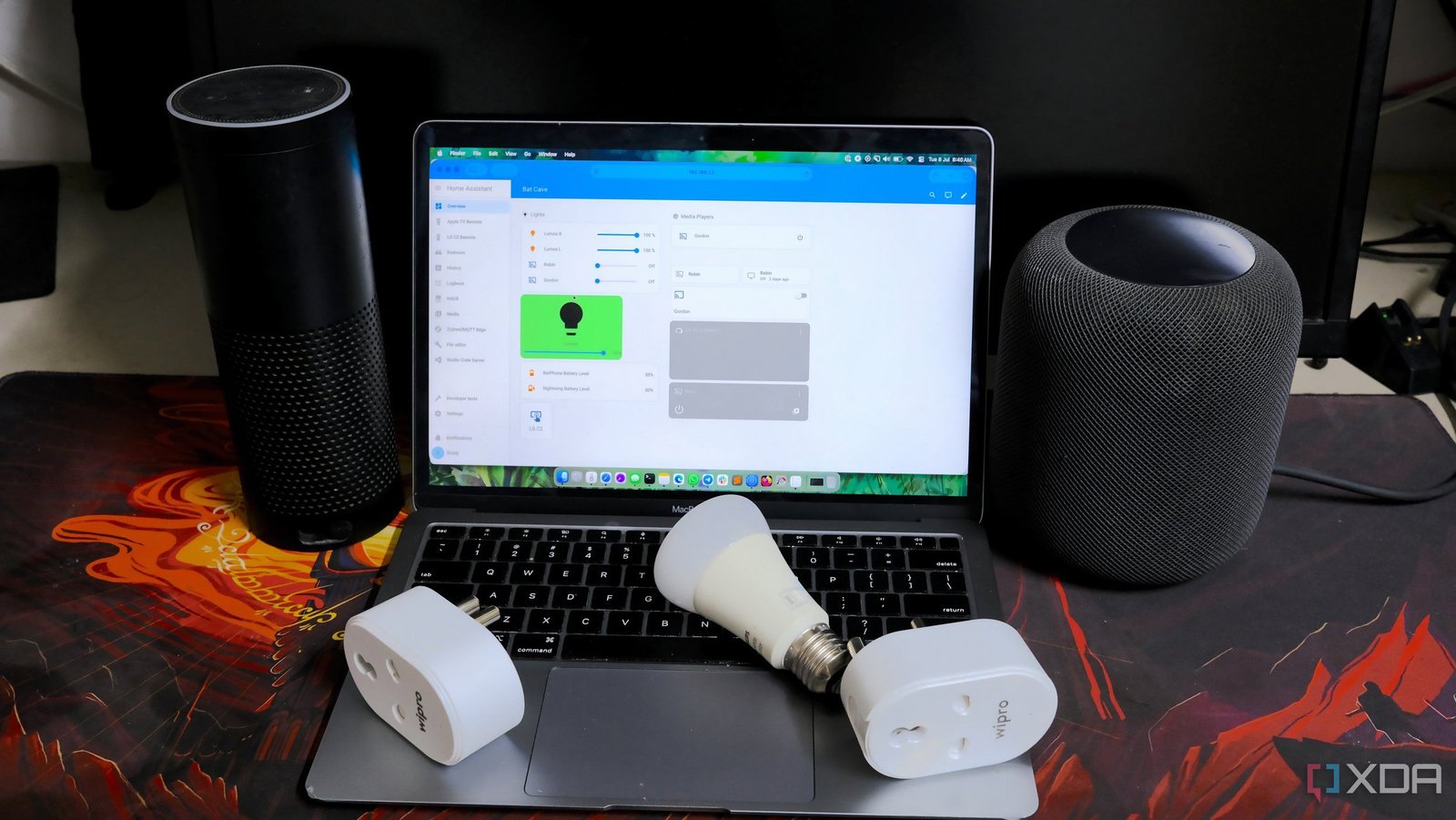
Turning your house into a smart home involves the purchasing of connected devices, but did you know there are some hidden costs you should be aware of? I’m talking potential subscriptions, time spent updating hardware, increased utility bills (especially when paired with a home lab), and a more congested wireless network. Depending on what you plan to connect to your LAN and how many smart products you purchased for the home, here are some things to watch out for from personal experience.
6
Higher hardware costs
“Smart” is a feature, you know?

Smart bulbs cost more than regular bulbs. The same goes for appliances and all other “smart” devices. These products often come with integrated wireless technology, microprocessors, and other handy features that can elevate how you interact with your home. Let’s take the Philips Hue ecosystem as an example. The company’s bulbs cost a small fortune compared to standard LED bulbs, but these smarter bulbs can support millions of colors.
They also connect to the Philips Hue Hub, which can apply countless scenes and other cool automations that transform your home lighting. Although the Hub costs extra, it is possible to connect these bulbs to a Zigbee receiver for Home Assistant, though you’d need to put together a system to handle all this. Doing so would remove any reliance on the Hue cloud infrastructure and create a truly private internal smart lighting setup.

Related
5 smart home devices you need to get if you have a Raspberry Pi
If you’re looking for useful things to use with your Raspberry Pi, try these smart home devices
5
Regular subscription fees
Unless you self-host everything

Want to use your Philips Hue Hub as a security device? That’s a monthly subscription. The same goes for Amazon’s Ring security plans, which provide additional (mostly must-have) features on top of what’s available with each security device. It’s vital to watch out for these mostly optional subscriptions as they’re not often marketed up front, which can come as a surprise when you attempt to use a specific feature that requires one.

Related
10 tips to turn your Raspberry Pi into a smart home hub
If you’ve got a Raspberry Pi, you may want to consider using it as a smart hub. Here are some tips to help you make it great.
4
More devices to update
Stay on top of checks
What’s worse than having to ensure all your PCs and mobile devices are up to date? Having to do the same with all your smart home hardware. Have a connected fridge? You best ensure it’s running the latest firmware for the best performance, efficiency, and security. Because that’s half the battle with connected smart home devices. Because they can communicate across the network and often call home to external servers, they are a new route for malicious actors to take.
You’ll need to set aside some time every couple of months to ensure all your smart home tech is running its latest software versions.

Related
3
More expensive energy bills
Drawing power even at idle
The worst part of running home lab and old enterprise hardware is power draw, notably when idle or at lower loads. The same goes for smart home tech. Even if your smart bulbs are off, they’re still running and waiting for a command to turn on the LEDs. This may not take too much power individually, but when your entire house is kitted out with smart bulbs, it can quickly add up over time. Throw in hubs and other smart devices, and your utility bill may see a considerable increase.

Related
I finally set up Home Assistant with Zigbee, and my entire home changed
I had heard about Zigbee for a long time, but I finally took the plunge. I should have sooner.
2
Congested wireless network
Depending on how you connect everything
Not every smart home device uses a protocol like Zigbee. Many of the more affordable options use your existing Wi-Fi network, which may not sound like a problem at first, but it’s important to remember that your router or access point has a finite number of clients it can handle. There’s also only so much bandwidth that can be offered to all connected hardware, and if you have a few smart devices communicating and taking up valuable data flow, your other devices may suffer with slower speeds.
This is why I always try and use hardware that can use protocols such as Zigbee to help free up capacity on the main wireless network.

1
Potential security risks
A good time to switch to pass keys

Your Philips Hue Hub and bulbs likely have some fairly robust security measures, but not all devices are made the same in this regard. Some more affordable smart home devices may lack in the security department, which can prove troublesome when they’re opened up to external access. Even Ring cameras and other security brands have seen their hardware targeted by malicious actors. A smart lock is almost redundant if it’s compromised electronically.
Then there’s the question of privacy, especially with hardware that collects data.

Building a smart home is still fun
Don’t let me scare you away from smart home gear as it can prove truly useful. I wouldn’t change my home DIY security system for anything because it works, and is incredibly easy for the household to use, and can be integrated with other services, such as Home Assistant. It’s simply good practice to do your homework before buying anything and bearing all this in mind to ensure you don’t regret your smart home purchase or buy the wrong thing.