Summary
- AdGuard is joining Brave Browser in taking a proactive stance against Microsoft’s controversial screen-recording feature.
- AdGuard now blocks Recall by default as part of its Tracking Protection settings.
- Despite Microsoft’s efforts to address privacy concerns, developers remain wary, with AdGuard stating that Recall’s safeguards still don’t meet its standards for user privacy.
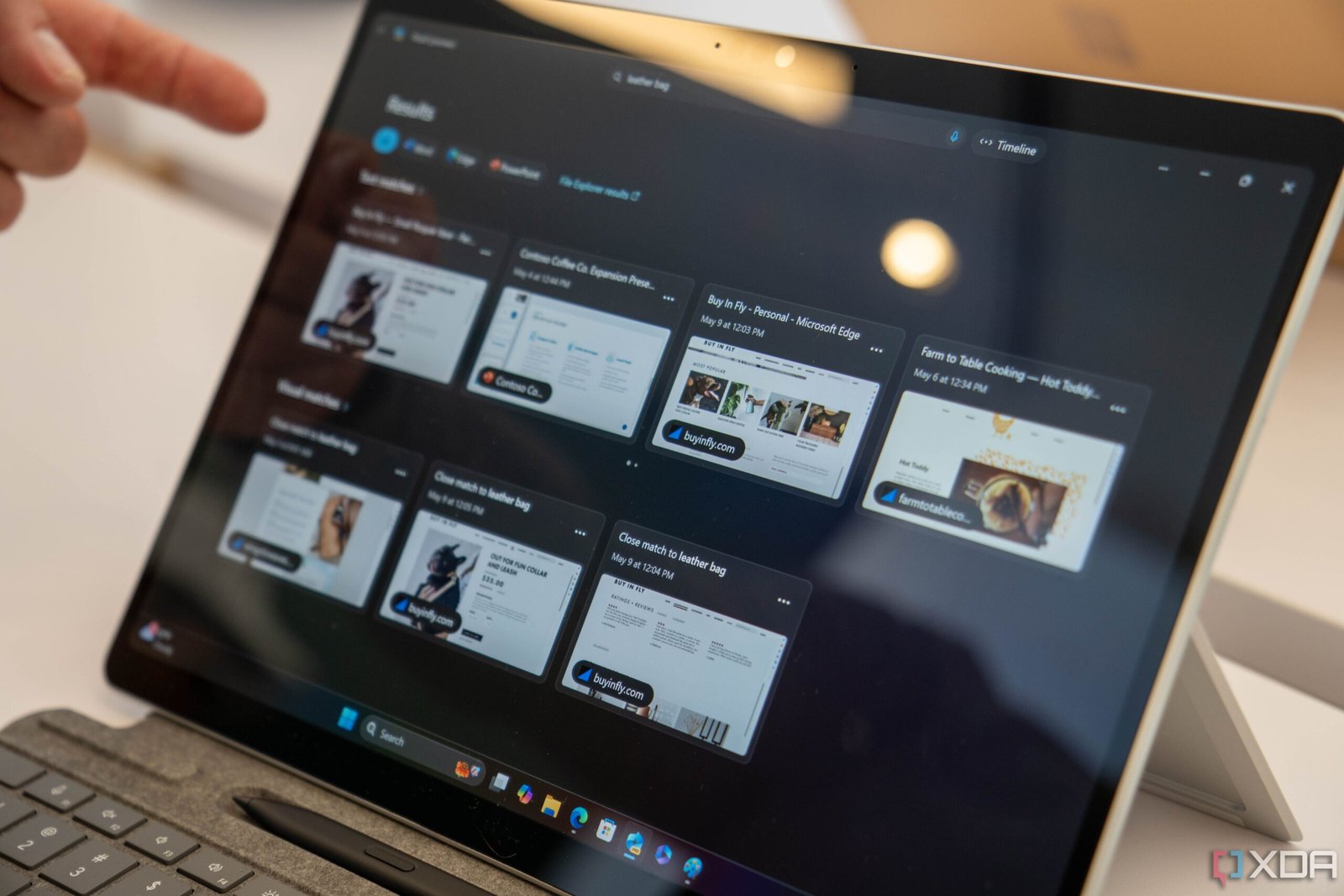
Most people would agree that Recall is Microsoft’s most controversial feature to date. If you somehow aren’t familiar with it, Recall is a feature the Redmond-based giant announced at Build 2024 and is designed to take snapshots of your screen every few seconds to help you “recall” what you were doing at any given time. When you think about it, the problem it’s trying to solve is something we’re all familiar with. Think about how many times you’ve struggled to find that one YouTube video you came across while browsing, only to realize you forgot to bookmark it. With Recall, you can then use Copilot to search your timeline and find the exact moment it appeared on your screen, even if you didn’t take any action to save it.
But while the idea sounds great in theory, the way Microsoft implemented Recall raised some serious red flags. In fact, the feature led to such a privacy backlash that Microsoft decided to… recall it last year and work on it a bit more. Though they’ve now rolled out a version of Recall they claim is a lot safer, it’s still not exactly winning users (and developers) over. Just a couple of hours ago, Brave Browser decided to block Recall from scanning your current windows by default. Now, another developer is joining the Recall block party: AdGuard.
AdGuard disables Recall by default
In a blog post on AdGuard’s website, the privacy and security-focused company labeled the Windows 11 Recall feature as a “privacy concern.” It explained that it finds the “very idea of background screen captures” unsettling, and how the feature can snap screenshots of “simply something personal you didn’t want saved.”
AdGuard gave Microsoft credit where it’s due, mentioning how Recall is turned off by default, requires Windows Hello authentication, and can apparently filter out sensitive and confidential data, but explained that “it doesn’t cut it for us at AdGuard.” As a result, AdGuard has a dedicated section of settings focused on blocking Windows tracking features, and it now includes a brand-new setting. Now, when you head to AdGuard’s Settings and enable Tracking Protection, the Disable Windows Recall feature will be enabled automatically.

AdGuard
Like Brave, AdGuard does give users the option to enable Recall. You can do so by heading to AdGuard’s Settings > Tracking Protection and removing the checkbox next to Disable Windows Recall. AdGuard and Brave aren’t the only ones pushing back on Microsoft’s controversial feature. Signal, the encrypted messaging app, introduced a setting in May called Screen security, which prevents the Recall feature from capturing screenshots of Signal chats on Windows 11. The Screen security feature is enabled by default in Signal Desktop.