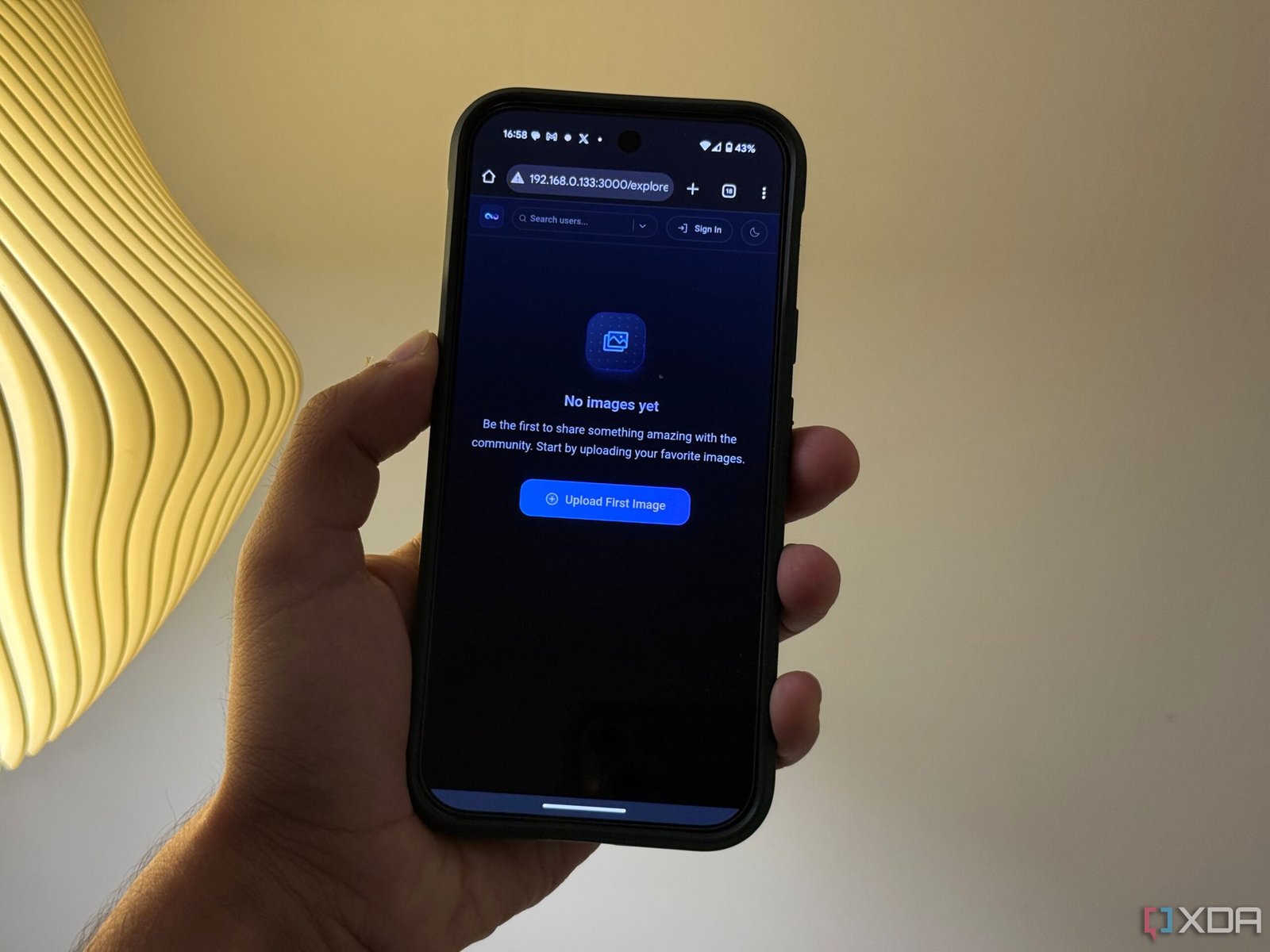
When it comes to image sharing online, there are more than a few options available. However, none of them feel just right. Most people would likely rely on social platforms, or cloud services like Google Photos, iCloud or Imgur to beam across their personal or public images. But these solutions come with certain trade-offs. You are invariably handing over your personal images to a third-party business, sacrificing image quality to compression, and giving up a lot of control.
That’s where Slink comes in. This open-source, self-hosted image-sharing app offers a modern interface, privacy-focused features, and complete control by letting you self-host it on your own hardware. If you’re a photographer looking to share curated selections with clients, a creative professional, or just someone who values privacy, Slink offers a refreshing alternative to the usual ad-driven image-sharing alternatives most of us are used to.

I self-hosted a Google Photos alternative with a Synology NAS — here’s how it went
Build your own photo management platform with a NAS!
Self-hosting done right with Docker and local storage
An easy to install, lightweight and configurable back-end.

Slink is built with simplicity in mind and that shows both in the app, and the set-up process. The entire app runs in a single Docker container, which means you can get it up and running in minutes. Once installed, it stores everything locally using Docker volumes, so your images never leave your server. I’ve been running it on a Synology server with a reverse proxy configured via Synology’s built-in tools, but you can easily spin up the app on any home server via Docker or a cloud VPS. Moreover, the container handles storage, access control and the web interface through an easy compose based install.
Slink also offers a wide range of environment variables that make the app highly configurable. I particularly like the fact that you can disable or enable core features like user registration, guest uploads, password policies, compression, ExIF data stripping and even more with environment variables. Additionally, if you plan to open the app to the public cloud, you’ll appreciate support for user approval flows that let you review and approve user accounts before they can start uploading content.
One of the most underrated features is how Slink handles image quality. Many commercial platforms compress your images heavily to save on storage or improve loading times. Slink allows you to retain high-quality versions while offering optional compression with adjustable settings. You get to decide the trade-off between file size and visual fidelity instead of having that decision made for you which is a very refreshing change.
A clean, thoughtful experience built around privacy
A user interface that feels like a commercial product
Unlike many open-source projects that feel raw or half-baked, Slink looks and feels like a commercial product from the ground up. It is responsive, has a clean interface, and is incredibly easy to navigate. The upload interface is clean and supports everything from using a file browser, to dragging and dropping, or even pasting into the interface. Once uploaded, images can be previewed in high-quality with no watermarks or compression. Further still, it is possible to organize the images in a gallery-style layout that looks polished. Very similar to IMGUR’s albums.
Where Slink truly stands out is how it handles privacy and access. Slink lets you share images using short links that expire automatically, with granular control over who gets access and for how long. This makes it an ideal solution for sharing images for short durations of time, or for private sharing. You can host the app on your own domain with full HTTPS support, powered by a simple reverse proxy and free SSL certificate via Let’s Encrypt. Of course, this being a self-hosted app, there’s no tracking, ads, or external analytics deeply entrenched in the service.
I like the fact that Slink also includes support for guest uploads. Of course, you should only enable this feature if you are using it only on your local network, but it lets users send in photos via secure links without an account. The feature can be toggled on and off and is perfect for collaborative work, community submissions, or use at events where you want to gather images at an event. Unlike commercial image hosts, there are no storage limits or bandwidth caps imposed. Unless, you set those yourself of course.
The best way to share photos without giving up control
The appeal of Slink goes beyond self-hosting. It’s a solid project that gives you commercial-grade usability with all the control that comes with open-source software. Having an account is up to you. Slink simply gives you the tools you need to upload, organize and share your photos the way you want, with ease. Whether you are sharing family photos within a Whatsapp group with a private link, sending samples to a client, or just want a fast and clean way to share images on social media, Slink makes it possible. For anyone who values simplicity, privacy, and control, it is hard to recommend anything else. Turns out, the best imaging sharing app might just be the one you run yourself.