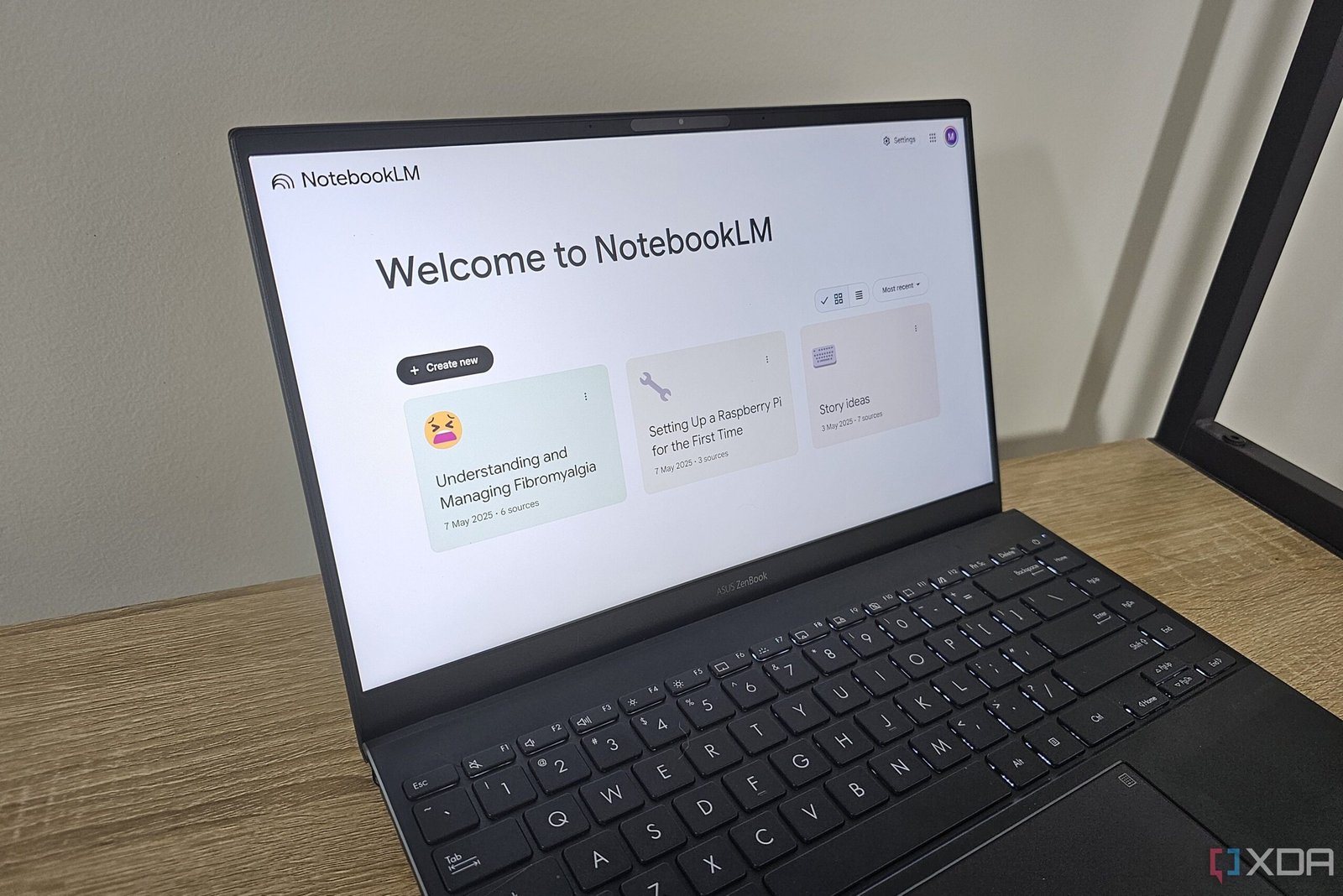
While NotebookLM is associated with students, there are plenty of ways you can use it to learn more about and understand topics that you’re interested in or that are personally important to you. When I tried NotebookLM for the first time, I mostly tested its accuracy by creating notebooks for topics I’m familiar with.
But seeing people use AI chatbots in interesting ways, I wondered if I could use NotebookLM to create a workout routine that addresses my specific needs. After all, some of my colleagues had already identified unique ways to use NotebookLM.

Related
Until NotebookLM, I never believed AI could be this game-changing for productivity
It transformed my view of AI, for the better.
Why I chose to use NotebookLM for an exercise routine
Selecting sources is key

There are plenty of AI chatbots I could’ve tried to use for a workout routine, but one of the things that NotebookLM does better than the competition is the ability to restrict it to specific sources. I’m not usually a fan of generative AI due to the proclivity for hallucinations or low-quality sources, but NotebookLM lets me specify which sources a notebook uses.
I specifically wanted a workout routine that addressed my specific health issues — including the fact that I can only do gentle exercises because my fibromyalgia flares up if I do anything too intense. I usually Google gentle exercises I can do, but the search engine links to pages with generic categories of exercises such as aerobics, strength training, yoga, stretches, and Pilates.
I wanted to take exercises from a variety of sources, including YouTube videos by physiotherapists, and summarize them in a way so that I have quick access to exercises I can try.
Getting NotebookLM ready for the tailored workout
Combining health information with exercises

I already have a notebook dedicated to fibromyalgia symptoms, and NotebookLM has been really good at summarizing this information. Importantly, because I used reputable resources to create this notebook, the information includes the fact that exercise is difficult for people with fibromyalgia and exercising too intensely can cause symptoms to flare up. When I generated an Audio Overview on the topic, the podcast hosts mentioned this tough balance.
In this form, my notebook couldn’t recommend any exercises past broad categories that many articles offer. So I started adding new resources, including YouTube videos from yoga instructors and physiotherapists that include gentle exercises. I usually watch these myself, but they are often 10 minutes or more, so they can be time-consuming to watch — especially when I frequently forget the exercises or they include ones I’m already familiar with.
I added six new sources related to gentle exercises for fibromyalgia or other points of concern like neck pain and kyphosis. Once this was done, my new notebook was ready to go.
How did NotebookLM do?
It surprised me again
So once I had the notebook set up with the right sources, how did NotebookLM perform with recommendations? While it still spent a lot of its responses talking about generic exercise categories, it also recommended specific exercises from the new sources I had added. Thanks to the citations, I was able to find out which video or article the recommendation came from.
A few of the prompts I included were:
- What are some exercises you can recommend for fibromyalgia?
- My neck is particularly sore today, what exercises should I do as a fibromyalgia patient?
- What Pilates exercises ease fibromyalgia?
- I want to do a nightly routine to improve my strength while having fibromyalgia, but I only have 10 minutes. What can you recommend?
I also asked it about specific exercises or poses if I needed more information. For example, I asked it to elaborate on the cat-cow pose and the bridge exercise. Each time NotebookLM responded, it emphasized the need to take things slowly and not to overexert myself.
Related
I use NotebookLM as a second brain, and I wouldn’t have it any other way
Like having an AI research assistant who never sleeps.
It was able to describe exercises and stretches accurately, as well as tailor its responses to particular areas of concern, like my sore neck. It was even able to identify some exercises for my hip flexors, despite not having added resources dedicated to these exercises. I also know that these responses took my illness into consideration, since there are many of the same exercises recommended by my physiotherapist.
When I set a time limit, it was able to recommend specific exercises with their expected time and how many repetitions to make, which particularly impressed me.
I did note a few features that would’ve made these responses more useful, including:
- Timestamps for YouTube video citations.
- Screenshots from YouTube videos or website pages to add a visual element and guide to the recommendations.
NotebookLM doesn’t currently support images , so hopefully this is something that is added in the future. However, video timestamps would be relatively easy to implement since NotebookLM already transcribes the entire video.
Overall, I don’t think NotebookLM can stand alone as a tool for recommending workouts for your specific health needs. But I do think it’s a great way to parse a large amount of information to provide recommendations from authoritative sources. I can then use these exercise names to find visual demonstrations.
NotebookLM once again exceeded expectations
I was curious to see if NotebookLM could provide me with tailored recommendations that take my health issues into consideration, but did not expect it to be as customizable as it was. As usual, NotebookLM is more powerful than I estimated. I was also surprised that it could work with time limits to recommend a specific routine.
There are further features that could make NotebookLM better for this use case, but for now I will use it as a guide to search for specific exercises. This saves me from re-watching videos to see the same repeated exercises over again.