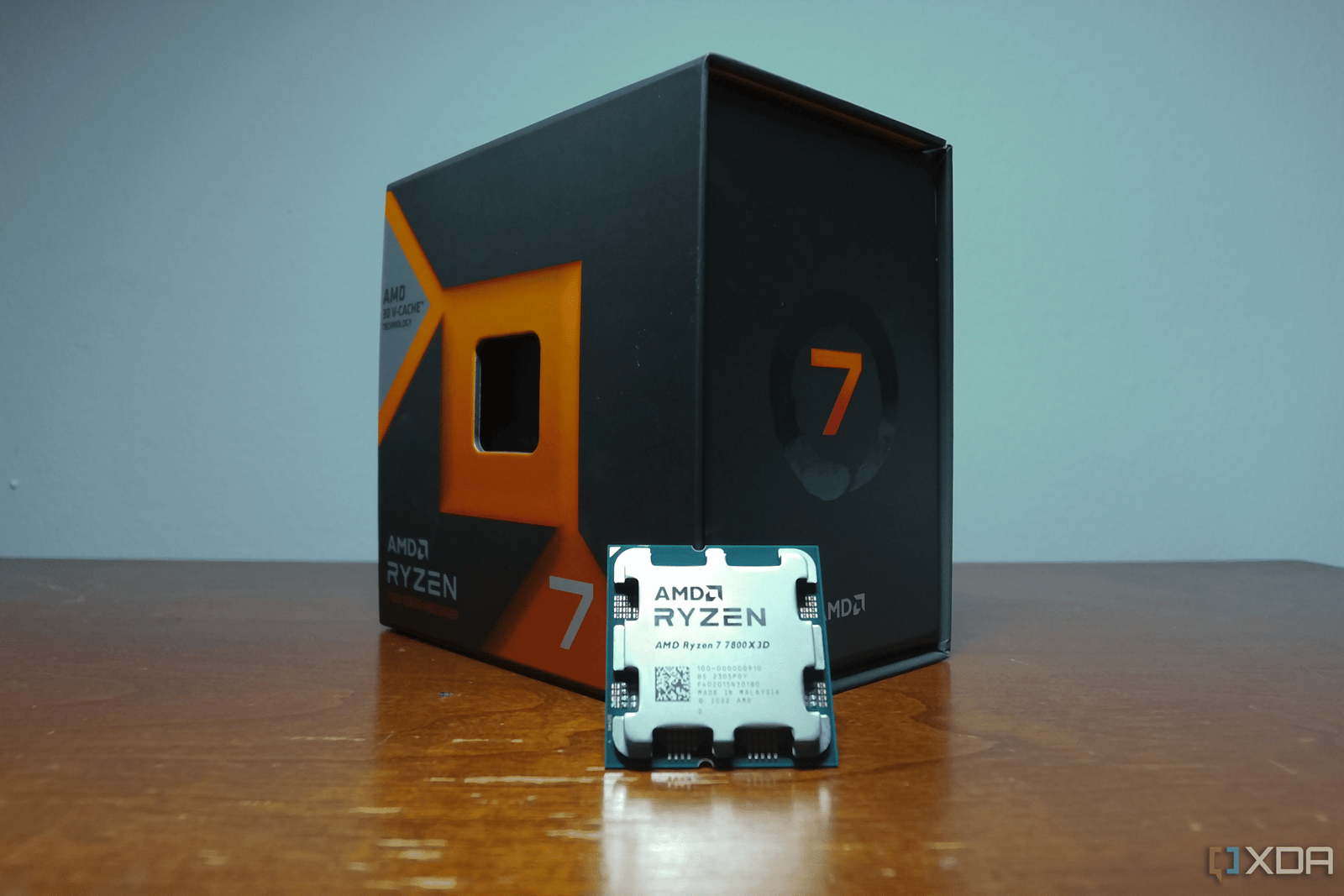
When I first started building PCs in 2013, I used to overclock every CPU that I got my hands on to squeeze out as much performance as possible. I’d spend hours tinkering with voltages, adjusting multipliers, and stress testing with Prime95 just to gain a couple hundred MHz. The performance gains were marginal, but it was fun pushing my processors to their limits. However, ever since I started using AMD’s Ryzen CPUs in 2020, my priorities have shifted. Nowadays, I don’t even bother with overclocking.
Instead of chasing higher clock speeds, I now focus more on thermals, efficiency, and system stability since modern CPUs already run pretty close to their limits out of the box. That’s exactly where undervolting comes in. When done correctly, undervolting reduces heat output without sacrificing performance, and in many cases, helps sustain boost clocks for longer. It’s one of the first things I do whenever I upgrade to a new CPU, especially since the benefits far outweigh the effort it takes to dial in a stable undervolt.

Related
4 myths about undervolting that simply aren’t true
Undervolting is a powerful tool, so it’s important to understand how it works.
3
Lower operating temperatures
Undervolting gives you more thermal headroom
You probably already know that modern CPUs run hot out of the box. Nowadays, you typically need a 360mm AIO or a premium air cooler rated for 250W TDP to keep high-end CPUs relatively cool. Even then, it’s not unusual to see temperatures pushing 90C under heavy workloads, especially if you’re using a Core i9 or Ryzen 9 processor. Both AMD and Intel chips boost aggressively until they hit thermal limits, meaning your CPU cooler has to work hard right out of the gate.
Undervolting is a direct solution for this issue. By slightly lowering the voltage, I reduce the heat generated by the CPU without sacrificing its performance. As a result, you get more thermal headroom, often lowering load temperatures by 5–10C. For instance, both my 5900X and 5800X3D ran at 75-85C while gaming out of the box, but after undervolting, the operating temperatures stayed around 70-75C. Thanks to undervolting, I don’t worry about thermal throttling issues nearly as much as I once did. And because of the reduced heat, my CPU fans run at lower speeds, keeping my PC quieter while gaming.
2
Better sustained performance
An undervolted CPU can maintain its boost clocks for longer

This is primarily why I always undervolt my CPU before I start playing games. You may be quick to assume that lowering the voltage to your CPU can negatively impact its overall performance, but that’s not necessarily the case, especially if you do it right. Sure, if you aggressively lower the voltage, you may run into system instability or crashes, but a slight undervolt can actually help your CPU sustain its boost clock speeds for longer, resulting in better gaming performance.
That’s mostly because the stock voltage settings for modern CPUs are usually conservative to ensure stability across a wide range of chips, even if that means supplying more voltage than they actually need. This extra voltage translates to more heat and power draw, causing your CPU to throttle its performance sooner under load. By undervolting, you’re basically trimming the excess voltage that would otherwise be wasted as heat. In CPU-limited games, this leads to fewer FPS dips and smoother frame pacing, especially during long sessions.
1
Lower system power draw
Who doesn’t want to save a bit of money on electricity bills?

Modern PCs consume a lot of power under load, especially ones with high-end CPUs and GPUs. Although the power-saving benefit of undervolting wasn’t my main motivation, it’s still a nice bonus alongside lower temperatures and better sustained performance. Even a slight undervolt can lower your total system power draw by 20-30 watts. That might not sound like much at first, since the immediate savings per session are minimal, but it definitely adds up over years of daily use, especially if you undervolt your GPU too.
More importantly, you’re getting a more power-efficient CPU that runs cooler, which can only benefit its lifespan. Lower operating temperatures mean reduced thermal stress on the CPU’s silicon and slower long-term degradation. Sure, most modern CPUs are built to last well beyond their practical use, but keeping them cool helps avoid premature failures and ensures your system stays stable. If you’re someone who holds on to a CPU for several years like I do, you’d be surprised how much undervolting can help over the long haul.
Undervolting is a small tweak that goes a long way
Unlike overclocking, which often comes with diminishing returns and added stress, undervolting feels like a win-win. You’re basically making your CPU draw less power and run cooler, but at the same time, you’re helping it maintain its peak speeds to improve sustained performance. On top of that, your PC runs quieter because the fans don’t have to ramp up as much, and the CPU potentially lasts longer due to reduced thermal stress. Once I saw the results for myself, I started treating undervolting as a mandatory step every time I get a new CPU. Sure, it takes a bit of trial and error to dial in the right voltage settings, but modern software tools make the process easier than ever. And when there’s no downside to trying it, what’s stopping you from reaping its benefits?

Related
How to undervolt your CPU in BIOS
Discover the secrets of optimizing your CPU performance with our comprehensive guide on how to undervolt your CPU in the BIOS